
2FA Recovery Security Calculator
Select Your Recovery Methods
Your Security Assessment
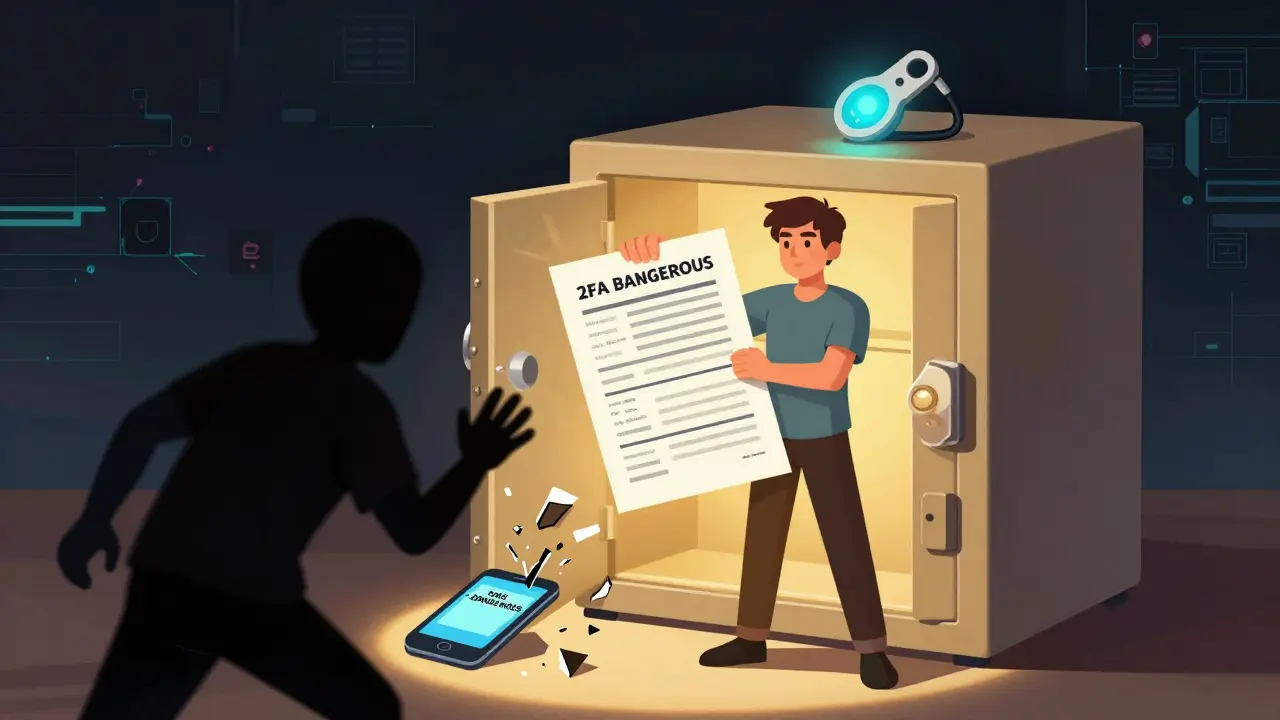
When you use 2FA to protect your crypto wallet or exchange account, you’re doing the right thing. But what happens when your phone dies, gets stolen, or you lose your security key? If you haven’t set up recovery options, you could lose access to your funds forever. This isn’t hypothetical - thousands of people lose access to their crypto every year because they relied on a single 2FA method with no backup.
Why 2FA Recovery Matters More Than You Think
Two-factor authentication stops most automated attacks. But recovery methods are where real security fails. NIST, the U.S. cybersecurity agency, calls recovery the "Achilles’ heel" of 2FA. Why? Because attackers don’t crack your authenticator app. They target your backup codes, your email, or your phone number - the weak links you ignored. In 2023, 82% of individual account takeovers involving 2FA happened because of poor recovery setup, according to Krebs on Security. Most of those cases involved people who used SMS as their only backup. A SIM swap attack - where a hacker convinces your mobile carrier to transfer your number - gives them full control. No need to break encryption. Just exploit a single point of failure. For blockchain users, this isn’t just inconvenient. It’s financial ruin. There’s no customer service line to call. No password reset button. If you don’t have recovery access, your keys are gone. Forever.The Five Main 2FA Recovery Methods - Ranked by Security
Not all recovery options are created equal. Here’s what’s actually out there, and which ones you should use - and avoid.1. Backup Codes (Best for Most Users)
These are one-time use codes, usually 8-16 characters long, generated when you first set up 2FA. Google, Coinbase, and Meta all provide 10 codes at setup. Each code can only be used once. Once used, it’s gone. Security rating: 7/10 - Strong if stored properly. Weak if saved in an unencrypted note on your phone.- Pros: Works offline. No internet needed. Immune to phishing and SIM swaps.
- Cons: If you lose the list, you’re locked out. If you store it digitally without encryption, it’s a target.
2. SMS-Based Recovery (Avoid This)
Still used by 63% of financial services and 78% of consumer platforms, despite being the most vulnerable option. SMS relies on your phone number - which can be hijacked through social engineering at your carrier. Security rating: 3/10 - NIST officially recommends against it. The FBI reports SIM swaps caused 37% of all 2FA-related account takeovers in 2023.- Pros: Easy to use. Everyone has a phone.
- Cons: SIM swapping is cheap and common. Attackers pay $10-$50 on dark web forums to take over a number.
3. Email-Based Recovery (Medium Risk)
Some services send recovery codes to your email. It’s better than SMS because it doesn’t rely on your phone carrier. But it’s only as secure as your email account. Security rating: 5/10 - If your email is protected with 2FA, this becomes much stronger. If not, you’re just moving the risk.- Pros: No SIM swap risk. Works anywhere.
- Cons: Email accounts are hacked constantly. In 2023, Verizon found email compromise was the second most common attack vector after SMS.
4. Hardware Security Keys (Best for High-Risk Users)
Devices like YubiKey or Titan Security Key are physical tokens that plug into your computer or connect via NFC. They use FIDO2/WebAuthn standards - meaning they’re phishing-proof and don’t rely on codes or numbers. Security rating: 9/10 - Yubico reports zero successful attacks against FIDO2 keys in over 12 million deployments.- Pros: Unhackable remotely. Works even if your device is infected. No internet needed.
- Cons: You can lose it. You need to buy one ($25-$70). Not all platforms support it yet.
5. Push Notifications (Not Reliable for Recovery)
Apps like Authy or Duo send a push alert to your phone: "Approve this login?" It’s convenient, but it’s not a recovery method. If your phone is gone, you’re stuck. Some platforms let you use push notifications as a fallback - but that’s a trap. If your phone is stolen, the attacker can approve the push from your device. Spriv’s 2024 report found that 29% of targeted attacks succeeded by forwarding push notifications in real-time. Don’t rely on push for recovery. Use it only as your primary 2FA - and always pair it with backup codes or a hardware key.How to Set Up 2FA Recovery the Right Way
Here’s a simple, step-by-step plan that works for anyone - whether you hold $500 or $500,000 in crypto.- Enable 2FA using an authenticator app (like Authy or Microsoft Authenticator), not SMS.
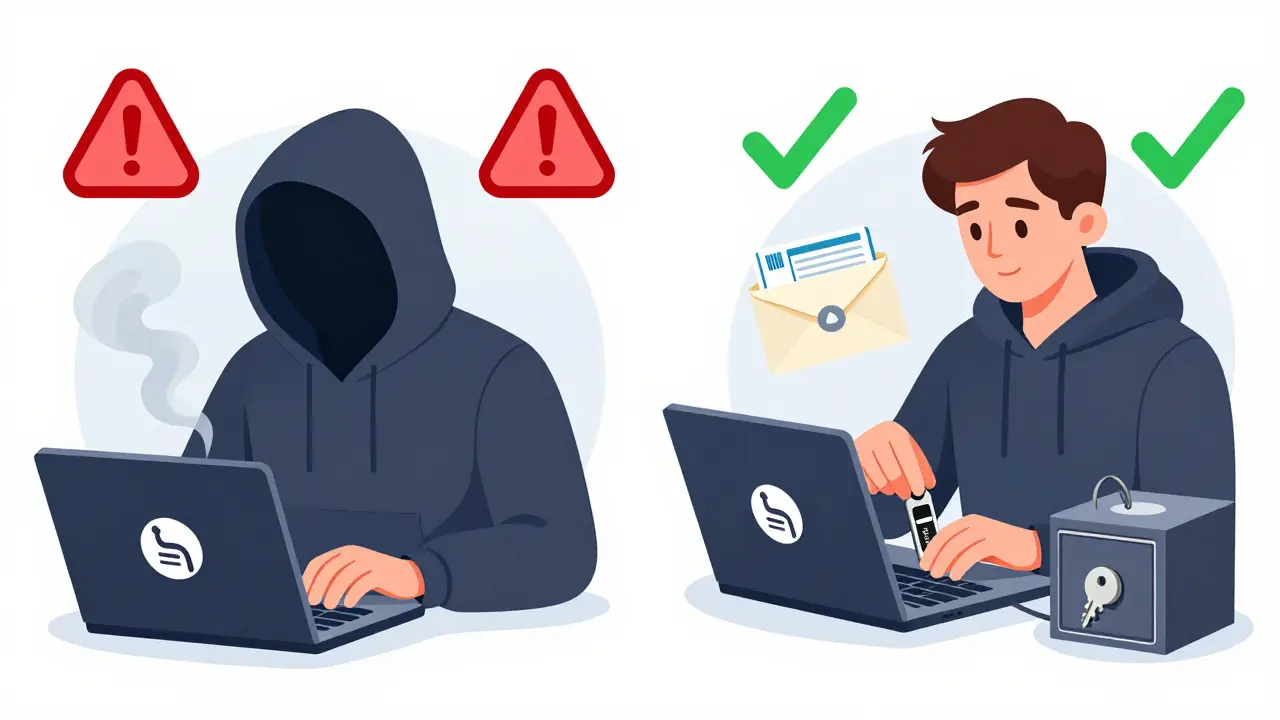
- Generate backup codes and print them. Write them on paper - no digital copies unless encrypted.
- Store one copy in a fireproof safe at home.
- Store a second copy with a trusted family member or in a safety deposit box.
- Buy one hardware key (YubiKey 5Ci or similar). Register it as a second 2FA method.
- Buy a second hardware key - keep it in a separate location. This is your ultimate backup.
- Enable 2FA on your email - use the same hardware key or authenticator app.
What Not to Do
Here are the most common mistakes people make - and why they cost them money.- Storing backup codes in Notes or Google Docs - If your phone is hacked, so are your codes. 57% of recovery failures come from this.
- Using the same 2FA app on multiple devices without syncing - If you lose your phone and didn’t back up Authy, you’re locked out. Always enable cloud backup in Authy or use multiple devices.
- Trusting one recovery method - SMS alone? Email alone? That’s a single point of failure. Always have at least two.
- Ignoring platform-specific recovery rules - Some exchanges (like Binance) require you to verify your identity to reset 2FA. Others (like Ledger) don’t allow recovery at all - you must have your seed phrase. Know your platform’s rules before you deposit.
Real Stories: What Happens When Recovery Fails
On Reddit’s r/2fa, a user posted in January 2024: "Lost my phone. Had backup codes on paper. Got in within 5 minutes." That post got over 2,300 upvotes. Another post, "How I lost $5,000 in crypto due to poor 2FA recovery," got 4,200 downvotes - because the user had only SMS enabled. Coinbase didn’t offer hardware key recovery until October 2023. He had no backup. No recourse. A DevOps engineer on Hacker News lost $12,000 in cloud resources after misplacing his YubiKey and not having backup codes. AWS requires you to submit documentation for 2FA reset - a process that takes weeks. By then, the keys were gone. These aren’t rare. They’re predictable.
The Future: Passwordless Recovery Is Coming
In June 2024, Apple, Google, and Microsoft announced a new standard: Passkey Recovery. Instead of codes or keys, you recover access using another trusted device - like your laptop or tablet - authenticated with biometrics (Face ID, fingerprint). No SMS. No codes. No hardware. It’s not widely available yet, but it will be by mid-2025. This is the future. Until then, hardware keys and printed backup codes are your best defense.Final Rule: Recovery Is Part of Security
You wouldn’t leave your house without a spare key. Why would you leave your crypto without a recovery plan? 2FA isn’t just about locking the door. It’s about having a way to get back in - safely. If you haven’t set up your recovery methods, you’re not secure. You’re just waiting for something to go wrong. Do this today: Print your backup codes. Buy a YubiKey. Store them both in separate places. Turn off SMS recovery. Your future self will thank you.What happens if I lose my 2FA backup codes and hardware key?
If you lose both your backup codes and hardware key, you will likely be permanently locked out of your account. Most blockchain platforms and crypto exchanges do not have a way to recover access without these. Always have at least two backup methods set up - never rely on just one.
Can I use the same backup codes for multiple accounts?
No. Each service generates unique backup codes during setup. Reusing them across accounts creates a single point of failure. If one account is compromised, all accounts using the same codes are at risk. Always generate and store separate codes for each service.
Is Authy safer than Google Authenticator for recovery?
Yes, for recovery purposes. Authy allows encrypted cloud backups of your 2FA tokens, so if you lose your phone, you can restore your codes on a new device. Google Authenticator does not offer this - losing your phone means losing access unless you have printed backup codes. Authy’s backup feature makes recovery significantly easier, but you should still use backup codes as a secondary layer.
Why does NIST say SMS-based 2FA is unsafe?
SMS is vulnerable to SIM swapping, where attackers trick mobile carriers into transferring your phone number to a device they control. Once they have your number, they receive all 2FA codes sent via SMS. The FBI reports SIM swaps caused 37% of 2FA-related account takeovers in 2023. NIST recommends eliminating SMS entirely for any high-value account.
Should I store my backup codes in a password manager?
Yes - but only if your password manager is secured with 2FA and a strong master password. Storing backup codes in an encrypted password manager like Bitwarden or 1Password is safer than keeping them in an unencrypted note on your phone. Just make sure you can access your password manager even if your phone is lost or stolen.

Comments
Richard T
Just printed my backup codes and bought a YubiKey today. Seriously, why do people still use SMS? It's like locking your car but leaving the key under the mat. I lost $3k last year because I trusted my phone number. Don't be me.
Billye Nipper
YES!! This is so important!! I just did this last week!! Printed codes, got two YubiKeys, encrypted one in my safe, gave the other to my sister!! You're not paranoid if you're crypto-rich!!
Tisha Berg
My grandma just started holding BTC. I printed her backup codes in big font, laminated them, and put them in her bible. She doesn't know what a QR code is but she knows where her bible is.
Stanley Wong
I used to think this was overkill until my buddy got his phone stolen and his whole portfolio wiped because he had SMS backup and his carrier got phished. He cried for a week. I gave him a YubiKey and now he sends me memes every time he uses it. I'm the crypto uncle now. Just print the damn codes. No one cares about your phone being convenient. Your money does.
Nicole Parker
I used to think security was about being clever, but now I think it's about being boring. The most secure system is the one you forget you have because it just works. Backup codes on paper, hardware key in your pocket, email 2FA turned on. It's not glamorous. It's not viral. But it's the only thing that keeps your life intact when everything else falls apart. I keep my codes in a metal box buried under my garden shed. No one will ever find them. Not even me, if I'm drunk. And that's the point.
Kenneth Ljungström
Just got my second YubiKey today 🥳 I put one in my wallet, one in my safe. I even made a little note on my fridge: 'If you're reading this, you're probably in trouble. Go to the shed.' My partner thinks I'm weird but she also says I'm the only one who doesn't panic when I lose my phone. Also, I use Authy with cloud backup. It's not perfect but it's better than nothing. And yes, I turned off SMS. No exceptions. Ever.
Sandra Lee Beagan
In my country, many people don't even know what 2FA is. I've had to explain it to my cousin who lost $8k because he used his Gmail password as his recovery code. I told him: 'Your email is not your vault. It's your mailbox.' He didn't get it until I showed him the NIST report. Now he's buying a YubiKey. We need more education, not just tech. People aren't lazy, they're just unaware. And that's on all of us who know better.
michael cuevas
Anyone who uses SMS for crypto recovery deserves to lose everything. I've seen it too many times. Guy gets a text saying 'Your account is locked, click here' and he does it. Then he screams on Reddit. Dude. You signed up for this. Your phone number is not a security feature. It's a vulnerability with a dial tone.
Adam Bosworth
LOL look at all these people acting like they're the first to figure this out. I lost my entire portfolio in 2021 because I trusted Coinbase's 'recovery email'. Then I found out they didn't even have a real recovery process. Just a 6 week waitlist. And now everyone's acting like this is new info? Bro. I've been screaming this into the void since 2019. You're all late to the party. And the party's on fire.
ronald dayrit
There's a deeper truth here that no one talks about. Security isn't about tools. It's about identity. When you lose your 2FA, you're not just losing access to an account. You're losing access to the version of yourself that trusted the system. That version is gone. And the new version? The one with the backup codes and the hardware key? That version is afraid. Not of hackers. Of forgetting. Of being human. We build these systems to feel safe. But the truth is, we're just trying to outrun our own impermanence. The key isn't in the box. It's in the habit. And habits are fragile.
Josh Rivera
YubiKey? Really? You think a $50 stick is going to save you? What if you lose it? What if you burn it? What if your kid uses it as a USB toy? You're just creating another single point of failure. And now you're emotionally attached to a piece of plastic. That's not security. That's superstition. I use a 12-word phrase written on a napkin and buried in a book. No tech. No apps. No magic sticks. Just dumb, analog, human memory. That's real security. The rest is theater.
Neal Schechter
Just want to add: if you're using Authy, make sure cloud backup is enabled AND you have a strong password on it. I had a friend who thought 'I'll just use my phone number as the password' - guess what? His phone got stolen and his entire 2FA stash was wiped. Authy isn't magic. It's just a better tool. Use it right.
Madison Agado
I used to think recovery was for nerds. Then I lost my phone during a trip and had to reset everything. I had backup codes. I had a hardware key. I didn't panic. I sat in a coffee shop, typed in one code, and was back in. No calls. No waiting. No begging. That moment changed me. Security isn't about fear. It's about peace of mind. And peace of mind is worth five minutes of your time.
Roseline Stephen
My brother lost everything because he stored backup codes in his Notes app. I told him not to. He said 'it's encrypted.' I said 'your phone is not a vault.' He didn't listen. Now he's working two jobs to get back what he lost. Don't be him. Print the codes. Even if you think you're too tech-savvy. You're not.
jonathan dunlow
Here's what nobody says: the real enemy isn't hackers. It's complacency. You think 'I'll do it later.' Then you get lazy. Then you forget. Then you lose. I've helped 12 people recover their accounts after they ignored this advice. Every single one said the same thing: 'I didn't think it would happen to me.' Spoiler: it will. Do it now. Not tomorrow. Now. Your future self is begging you.
Mariam Almatrook
While I appreciate the technical precision of this post, I must respectfully challenge its underlying epistemological assumption: that security can be reduced to procedural checklists. The human condition is inherently probabilistic, and the notion that a YubiKey or printed code confers absolute safety is a fallacy of misplaced concreteness. One cannot 'secure' the ephemeral nature of human error through mechanical means. The true vulnerability lies not in the absence of backup codes, but in the illusion of control. One must accept uncertainty - and thus, one must accept loss. To cling to recovery methods is to deny the existential fragility of digital ownership.
rita linda
USA is so soft. In my country, if you lose your crypto, you're dead. No recovery. No pity. You get one chance. One key. One life. No backups. No cloud. No 'trusted family member.' If you can't remember your seed phrase, you don't deserve to own it. Stop coddling people. This isn't kindergarten. If you need a YubiKey to hold $500, you shouldn't be holding $500. Build your own security. Or don't play.