
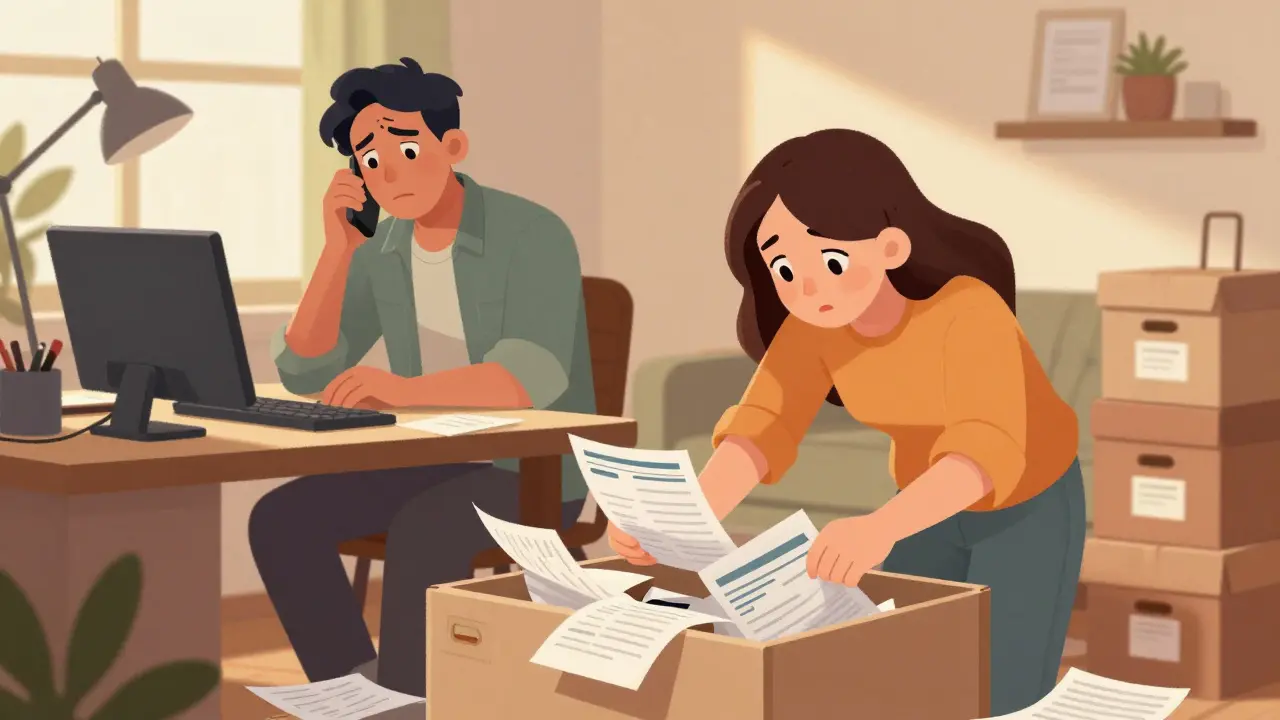
Picture this: You are in a hospital bed, recovering from surgery, or perhaps stuck at an airport gate during a long delay. Your partner calls you. They need to find the home insurance policy number because there was a leak in the basement. Or maybe they just can't remember where you saved the vehicle title for the car you're selling. You know exactly where it is-in that one drawer in your home office, mixed with old tax returns and warranty cards. But they don't. And now, neither of you has easy access to it.
This is the reality for most families. We treat our household paperwork like physical clutter, scattering vital documents across filing cabinets, shoeboxes, email inboxes, and shared cloud folders. The problem isn't just organization; it's security and accessibility. If you lock those papers away too tightly, no one can help when you are temporarily unavailable. If you leave them out, anyone with access to your devices might see sensitive financial data. You need a system that keeps things safe but allows trusted people to step in when you cannot.
The Problem With Shared Folders and Physical Drawers
We often try to solve this by creating a shared Google Drive folder or emailing PDFs back and forth. On the surface, this seems convenient. However, standard cloud storage services rely on server-side encryption. This means the company hosting your files holds the keys. While generally secure, these platforms are attractive targets for hackers, and their privacy policies allow them to scan content for advertising or compliance purposes. More importantly, if you get locked out of your account, support teams can sometimes restore access, which compromises the absolute privacy you want for sensitive documents like mortgage statements or medical records.
Physical drawers have their own issues. Paper degrades, gets lost, or becomes inaccessible during travel or emergencies. Relying on memory-"I think I put the deed in the blue box"-is risky when time is tight. You need a solution that offers the permanence of paper with the speed of digital access, but without the vulnerabilities of standard cloud accounts.
What Is a Digital Vault?
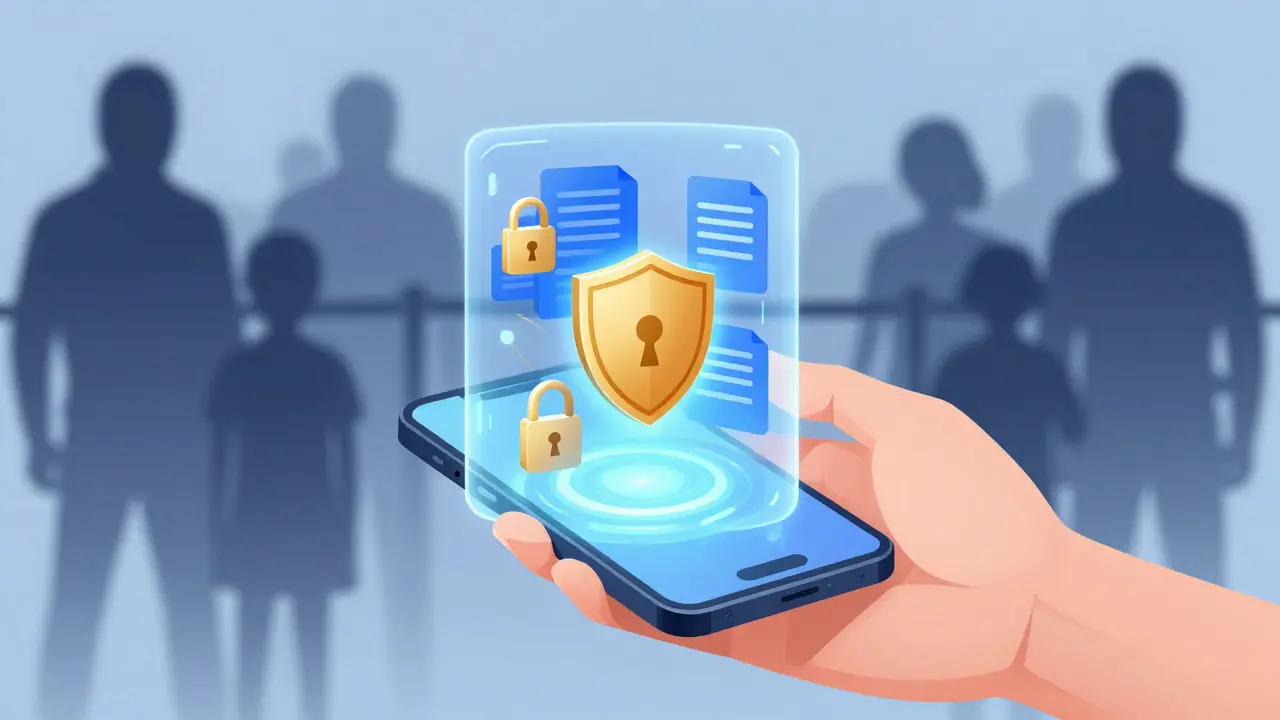
A digital vault is a secure, encrypted container for your most important files. Unlike a regular folder, a true digital vault uses client-side encryption. This is the critical difference. In a client-side model, your files are encrypted on your device before they ever leave your computer or phone. The service provider never sees your unencrypted data. They only store scrambled code that is useless without your specific decryption key.
This approach eliminates the risk of the provider accidentally leaking your data or being forced to hand it over. It creates a zero-knowledge environment. For families, this means you can store everything from birth certificates to bank details with the confidence that not even the platform administrators can peek inside. It transforms how we handle password storage and document management by putting the control entirely in your hands.
Why Decentralized Storage Matters for Longevity
Encryption protects your data while it sits there, but what happens if the company running the service goes bankrupt? In traditional cloud models, if the company shuts down, your data might disappear with it. This is where decentralized storage changes the game. Instead of storing your encrypted files on a single corporate server farm, decentralized systems split your files into chunks and distribute them across a global network of nodes.
Vaulternal utilizes this architecture by leveraging Arweave for permanent storage, IPFS (InterPlanetary File System) for peer-to-peer distribution, and Polygon for anchoring metadata on-chain. This setup ensures that your documents are not dependent on any single entity continuing to operate. Even if Vaulternal as a company ceased to exist tomorrow, your encrypted data would remain accessible on the network, provided you have your keys. This level of durability is essential for documents you need to keep for decades, like property titles or long-term insurance policies.
Conditional Access Continuity: Sharing Without Risk
Security is only half the battle. The other half is ensuring the right person can access the right document at the right time. This is where the concept of conditional access continuity comes in. You do not want to give your spouse full access to every file all the time, nor do you want them to be locked out completely if you are traveling or hospitalized.
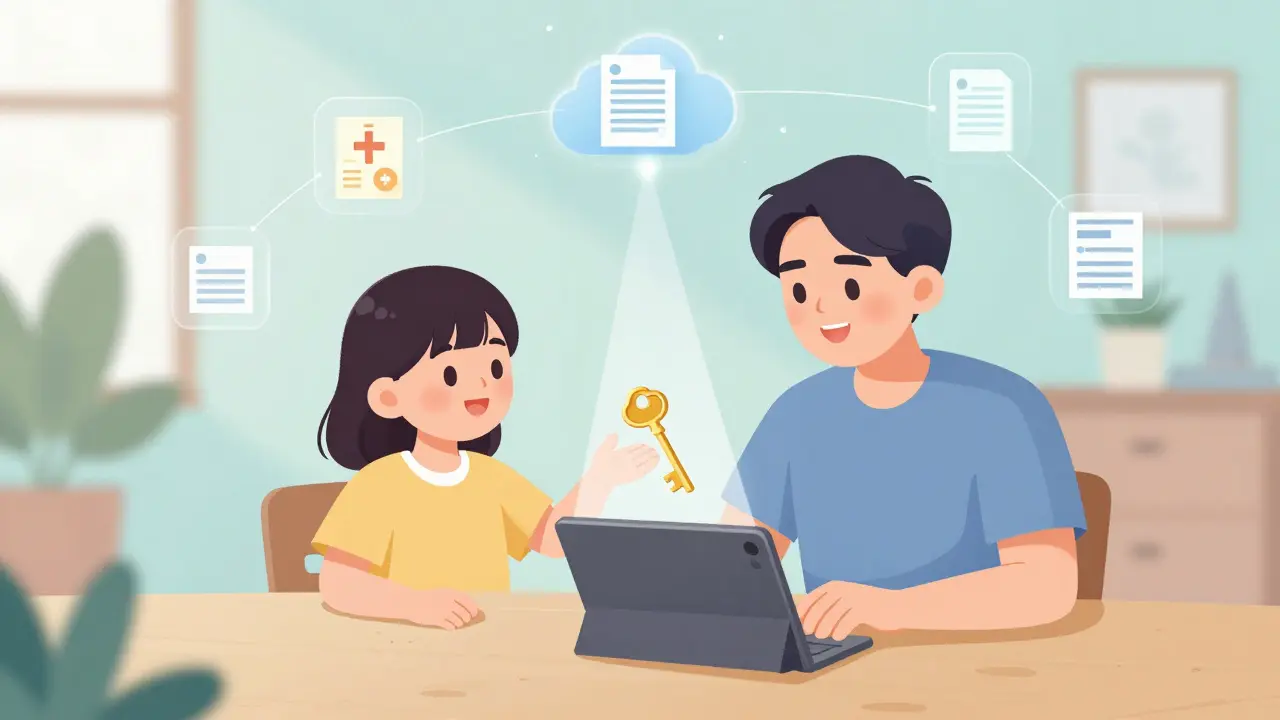
Vaulternal solves this with an access trigger system. You can define specific conditions under which a chosen recipient gains access to particular documents. These triggers can be time-based (e.g., "unlock this folder on January 1st"), inactivity-based (e.g., "if I haven't logged in for 30 days"), or manual. Crucially, these shares are per-recipient and encrypted. Your partner receives a unique key that unlocks only the documents you intended for them. They do not need technical expertise to open the files; the process is designed to be simple and user-friendly.
Imagine setting up a "babysitter packet." You can share Wi-Fi codes, house alarm instructions, and emergency contact numbers with a sitter. Once the job is done, you can revoke access instantly. Or consider a scenario where you are going on a month-long trip. You can set a trigger so that if you become unreachable for more than two weeks, your sibling automatically gains access to your mortgage and utility account details to ensure bills are paid. This is about maintaining control while providing safety nets.
Building Your Household Document Map
So, what should go into this digital household binder? Start by categorizing your life into three buckets: Financial, Legal, and Medical.
- Financial: Mortgage deeds, loan agreements, investment statements, tax returns (last 7 years), and insurance policies (home, auto, life). Keep the policy numbers and claim contact info readily available.
- Legal: Birth certificates, marriage licenses, vehicle titles, passport copies, and power of attorney documents. These are the proofs of identity and ownership that are hardest to replace quickly.
- Medical: Health insurance cards, vaccination records, chronic condition summaries, and medication lists. In an emergency, having this information digitized and accessible can save critical minutes.
Do not just dump files in randomly. Name them clearly. Use formats like "Home_Insurance_Policy_2026.pdf" rather than "Scan001.pdf." Create sub-folders within your vault to mirror these categories. This structure makes it easy for someone else to navigate when they are stressed or in a hurry.
Keeping Your Vault Current
A digital vault is only as good as its contents. Life changes, and your documents change with it. Set a reminder for yourself-perhaps once a year, around tax season-to review your vault. Did you renew your car registration? Update your will? Change your health plan? Upload the new versions and delete the obsolete ones. Most systems allow you to version files, but keeping your main folder clean prevents confusion.
You should also review your access triggers annually. Are the people you designated still the right contacts? Have your living arrangements changed? Adjusting these settings takes five minutes but ensures your safety net remains effective. Remember, you can always cancel or modify a share before it triggers. This flexibility allows you to adapt to life's changes without starting over.
Getting Started Without the Tech Hassle
Setting up a secure system used to require command-line knowledge and complex key management. Today, tools like Vaulternal abstract away the complexity. You sign up, install the app, and start uploading. The encryption happens in the background. You manage your access keys through a simple interface. There is no need to understand how IPFS works or what AES-256-GCM entails to benefit from it; you just need to trust that the architecture is sound.
For most families, the free tier offering 2 GB of storage is sufficient to start. You can fit dozens of high-resolution scans of important documents in that space. If you have extensive archives or large video files (like recorded family histories), upgrading to the Starter or Pro plans provides unlimited storage. The cost is minimal compared to the peace of mind gained from knowing your family is protected against loss, theft, or temporary unavailability.
Moving your family's administrative life into a secure, decentralized digital vault is not just about tidiness. It is about resilience. It ensures that when life throws a curveball-whether it's a natural disaster, a sudden illness, or just a busy weekend-the people who matter most can find what they need, when they need it, without compromising your privacy.
Is Vaulternal safe from hackers?
Yes, Vaulternal uses client-side AES-256 encryption, meaning your files are encrypted on your device before upload. The company never sees your unencrypted data, making it extremely difficult for hackers to access your information even if they breach the server infrastructure.
What happens if Vaulternal goes out of business?
Because Vaulternal uses decentralized storage via Arweave and IPFS, your data is stored on a distributed network, not just on Vaulternal's servers. This means your documents remain accessible on the blockchain network even if the company ceases operations, provided you retain your access keys.
Can I share documents with multiple people?
Yes, Vaulternal supports multi-recipient sharing. You can grant different people access to different sets of documents. Each recipient receives a unique encrypted key, allowing you to control exactly who sees what.
How does the access trigger system work?
The access trigger system allows you to set conditions for when a recipient can open shared documents. Triggers can be based on time, inactivity, or manual activation. You can modify or cancel these shares at any time before they are triggered.
Is there a free plan available?
Yes, Vaulternal offers a Free plan with 2 GB of storage, which requires no credit card. Paid plans like Starter ($8.33/mo billed annually) and Pro ($15/mo billed annually) offer unlimited storage for larger document libraries.

Comments
Brad Ranks
I tried setting up a shared drive for my family once and it was an absolute disaster. My wife couldn't find the insurance info when we needed it most because I had nested folders inside folders like some kind of digital hoarder. This concept of a vault with triggers sounds way better than just throwing everything into a Google Drive folder and hoping for the best.
Lee Paige
Decentralized storage is just code words for 'we don't control your data so you are on your own.' The government will eventually mandate backdoors in all encryption protocols regardless of what this startup claims. You think Arweave saves you? They can seize the nodes. Trust no one but yourself and keep your documents offline on air-gapped drives if you actually care about privacy.
Caitlin Donahue
i get where u r coming from but honestly for most people just having a secure place to put stuff is enough. not everyone needs military grade opsec for their car title lol. seems pretty chill actually.
Dinesh Pattigilli
The notion that average consumers require enterprise-grade cryptographic solutions is laughable at best and indicative of a profound misunderstanding of user behavior at worst. Most individuals cannot even remember their passwords let alone manage decryption keys for a decentralized network. This is solving a problem that does not exist for the target demographic while introducing unnecessary complexity that will inevitably lead to data loss when users forget their seeds. It is a classic case of over-engineering driven by tech bros who have never had to deal with actual legacy document management systems in a corporate environment.
Madhu Menon
But isn't the essence of security the balance between accessibility and protection? If we lock things away too tightly, do we not defeat the purpose of preserving them for future generations? The philosopher in me wonders if true ownership lies in the ability to share or the ability to withhold. Perhaps the answer is not in the technology but in the trust we place in our chosen custodians of memory.
Narendra Kulkarni
hey man i think its cool idea. in india we have lots of paper work and losing documents is big headache. if this works simply then good for families. hope it easy to use for old people also.
verna kennedy
You are clearly missing the point of zero-knowledge architecture. It is not about trusting the platform; it is about trusting mathematics. If you cannot grasp that client-side encryption renders the server owner blind to your data, you should probably stick to filing cabinets. It is elementary crypto hygiene.
Caralee Robertson
i really struggle with keeping track of all our family docs too. my husband keeps forgetting where he saved the warranty for the dishwasher. this trigger thing sounds amazing though. like if i go on vacation i can set it so my sister can access stuff if something happens. feels safe.
Greg Lewis
why bother with digital when you can just burn it all down and start fresh? kidding but seriously why do we need apps for this. just tell your spouse where the box is. human connection lost in tech haze
Sonya O'Brien
While I appreciate the sentiment of simplicity, relying solely on verbal instructions or physical boxes is fraught with peril in an increasingly complex world where emergencies can strike anywhere, not just within the four walls of your home office, and where the person you rely on might be incapacitated themselves or traveling abroad without access to your physical residence, thus necessitating a robust, accessible, yet secure digital solution that bridges the gap between immediate physical availability and long-term archival safety, which is precisely what this system aims to provide through its innovative conditional access features that allow for nuanced control over who sees what and when, thereby mitigating the risks associated with both total lockdown and complete openness.
Nick Rice
This is exactly what modern families need. Stop treating your important documents like trash. Organize them. Encrypt them. Share them securely. It is not rocket science. Get your act together and protect your family's assets. I am implementing this today.
Amit Thakur
The integration of IPFS and Polygon for metadata anchoring provides a robust layer of immutability and verifiability that traditional cloud providers simply cannot match. From a technical standpoint, the sharding of encrypted chunks across the Arweave network ensures high availability and resistance to censorship. However, the UX must be flawless to onboard non-technical users. If the key management process is cumbersome, adoption will stall. We need seamless social recovery mechanisms integrated into the wallet abstraction.
Eric Scheinberg
One must consider the legal implications of storing sensitive documents on a decentralized ledger. While the data itself is encrypted the metadata on Polygon may reveal patterns of ownership or transaction history. Regulatory bodies are increasingly scrutinizing blockchain interactions. Ensure compliance with local data residency laws before migrating entire household archives to a global distributed network.
pankaj chawla
Great article. Very useful information. I agree that organization is key. Many people ignore this until it is too late. Good job explaining the benefits clearly.
Jessica Lane
I am curious about the cost structure for larger families. If we have multiple children and extended family members needing access to specific subsets of documents, how does the pricing scale? Also, is there a limit on the number of recipients per vault? Understanding these constraints is vital for planning long-term usage.
Andrea Burd
another bloated app trying to solve a simple problem with crypto buzzwords. i bet the free tier is useless and they will nickel and dime you later. typical tech scam.
Akeem Whittaker
Listen up. If you are not encrypting your data you are asking to be breached. This tool does the heavy lifting for you. Do not be lazy. Secure your life. I recommend starting with your financial documents first as they are the most targeted.
Manish Prajapat
The philosophical underpinning of digital ownership is shifting. By moving to decentralized storage we reclaim agency from corporate monopolies. It is a small step towards a more equitable information society. I support this initiative wholeheartedly.
John Doe
I lost my father last year and finding his will took weeks because it was buried in a bank safe deposit box we didn't know existed. This horror story is why I advocate for digital continuity plans. Imagine if he had used a system like this. His spouse could have accessed it immediately. It breaks my heart to see families suffer due to poor preparation.
Skm Shubham
Your emotional anecdote is irrelevant to the technical merit of the product. Most users will fail to maintain their vaults leading to stale data. The real value proposition is weak. Why not just use a password manager with file attachments? This seems like a solution looking for a problem.
Rob Aronson
Password managers are great for credentials but terrible for large document sets like tax returns or medical histories. The granularity of access control here is superior. Plus the decentralized aspect means no single point of failure. 🚀🔒
Danna Charris
Precisely. Simplicity is elegance. Overcomplication is failure.
Fede Faith
I love the idea of the 'babysitter packet'. That is such a practical use case. Sharing Wi-Fi codes and emergency contacts securely without giving them full access to my financials is genius. I am definitely trying this out for my next trip.
Kumaran sowkarpet
In our culture we respect elders and family hierarchy very much. This tool helps us honor that by ensuring important papers are safe but accessible to trusted relatives. Very nice concept. Hope it works well in India too. 😊
sreeja boora
Data sovereignty is a critical issue. Foreign servers hosting Indian citizen data raises concerns regarding jurisdictional conflicts. One must ensure that the infrastructure complies with local regulations to prevent unauthorized access by foreign entities.