
Hardware Security Keys: Protect Your Crypto with Physical Authentication
When it comes to securing your crypto, hardware security keys, physical devices that generate one-time codes or sign transactions without touching your computer. Also known as security keys, they’re the only way to truly lock down your accounts against phishing, remote hacks, and stolen passwords. Unlike apps or SMS codes—both of which can be intercepted—these tiny devices stay offline until you plug them in. If your phone gets compromised, your key doesn’t care. If a scammer tricks you into giving up your password, your key still won’t budge without you physically pressing a button.
Most people think two-factor authentication (2FA) means typing a code from an app like Google Authenticator. But that’s still digital—and digital things can be stolen. A YubiKey, a popular hardware security key made by Yubico that works with USB, NFC, and Bluetooth doesn’t send codes over the air. It responds to cryptographic challenges directly from your browser or wallet. That’s why exchanges like Kraken and Coinbase recommend them. Even if you’re using a hardware wallet, a device like Ledger or Trezor that stores private keys offline, adding a hardware key as a login layer stops someone from even signing into your account to initiate a transfer.
There’s a reason the U.S. government and major tech companies mandate these keys for employees: they cut account takeovers by over 99%. You don’t need to be a hacker to understand this. If someone wants your crypto, they need your password and your key. No password reset. No social engineering. No fake login page. Just a dead end. And unlike software-based 2FA, hardware keys don’t rely on your phone’s battery, network, or OS updates. They just work.
Some keys cost under $25. Others, like those with NFC for mobile use, run a bit more. But the real question isn’t price—it’s risk. How much are you willing to lose because you trusted an app instead of a device you can hold in your hand? The posts below cover real cases where people lost everything because they skipped this step. You’ll find reviews of the best keys, comparisons between YubiKey and others, and step-by-step guides on setting them up with exchanges, wallets, and even your email. No fluff. Just what works.
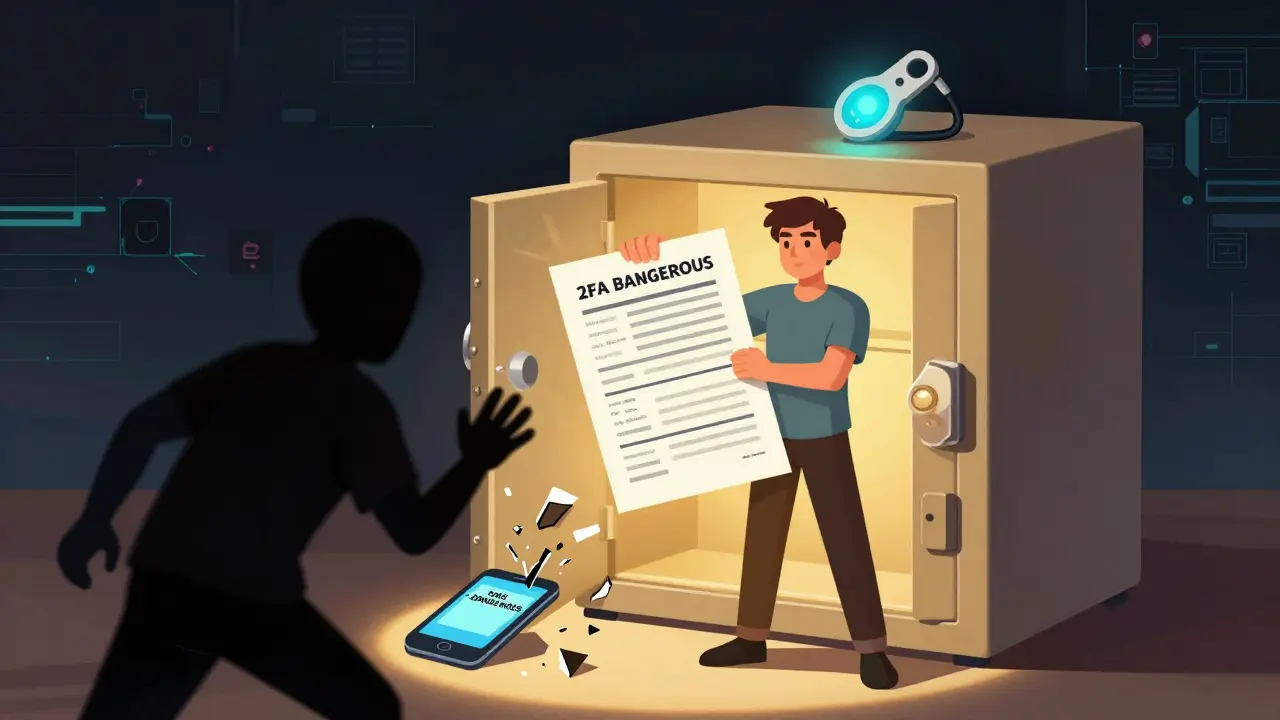
2FA Recovery Methods: Secure Ways to Regain Access to Your Blockchain Accounts
Learn the safest ways to recover access to your crypto accounts if you lose your phone or 2FA device. Avoid SMS, use backup codes and hardware keys, and protect your funds from permanent lockout.
read more