

Key Takeaways for Your Security
- The Golden Rule: No legitimate exchange or support team will ever ask for your seed phrase or private key.
- Check the URL: Look for "homoglyphs" (like a Cyrillic 'а' instead of a Latin 'a') and newly registered domains.
- Verify Urgency: Any message claiming your account will be suspended in minutes is almost certainly a scam.
- QR Code Caution: Be extremely wary of QR codes in PDFs, as they often bypass mobile security controls.
- Tool Reliance: Don't trust a site just because it has a padlock (SSL certificate); scammers use them too.
The Modern Phishing Toolkit: How They Get You
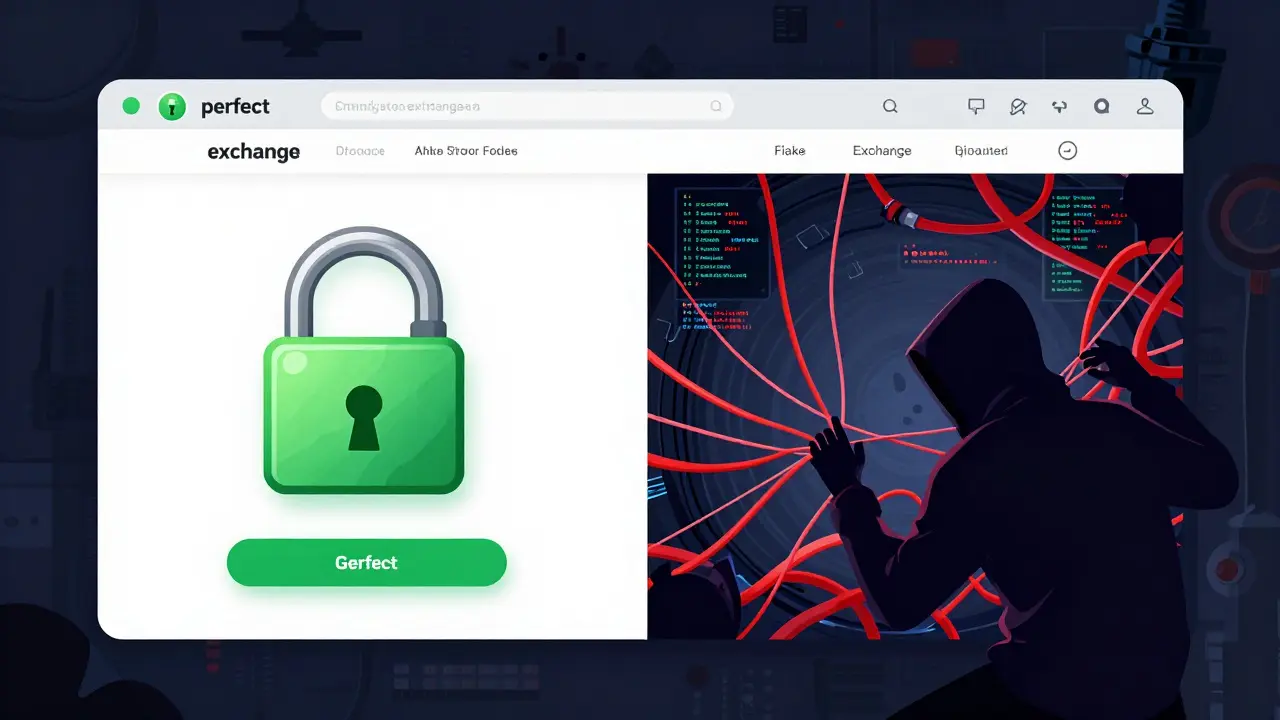
Scammers have moved way beyond the "Nigerian Prince" emails. Today, they use a multi-vector approach to catch you off guard. According to Zscaler's 2025 reports, about 72% of attacks still use classic credential harvesting pages-sites that look exactly like Coinbase or Binance. These clones are often so accurate that they are visually indistinguishable from the real thing. But there's a catch: they are usually hosted on domains registered less than 72 hours ago to avoid being flagged by security systems.
Then there are the sneakier methods. QR code phishing has spiked by 210% recently. Why? Because we tend to trust our phones more than our laptops. Attackers embed these codes in PDFs; once you scan it with your smartphone, you're often bypassing the enterprise security filters that would have blocked the link on a desktop. Even more alarming is the rise of deepfake video impersonation. In early 2025, Elliptic documented cases where AI-generated videos of CEOs were used to trick users into "security verifications," leading to average losses of $47,000 per hit.
Red Flags: Spotting the Scam Before the Click
If you're wondering if a message is legit, look for these specific behavioral and technical markers. Most crypto phishing attempts rely on creating a sense of panic. If you see a countdown timer claiming your funds will be locked in five minutes, your brain switches from rational thinking to survival mode. That's exactly what the scammer wants.
Next, look at the language. A linguistic analysis by Blockpit found that 76% of malicious sites use specific blockchain jargon like "gas fees," "token approvals," or "contract interactions" to build false credibility. They want you to feel like you're interacting with a technical process. But look closer at the URL. A common trick is the homoglyph attack. For example, a site might replace the letter 'o' with a Greek character that looks identical. You might think you're on "coinbase.com," but you're actually on a mirrored domain designed to harvest your data.
| Feature | Crypto Phishing | Traditional Phishing |
|---|---|---|
| Primary Target | Seed Phrases / Private Keys | Bank Logins / Passwords |
| URL Tactics | Heavy use of Homoglyphs | Generic misspelled domains |
| Technical Hook | Smart Contract Approvals | Account Verification |
| Visual Accuracy | Up to 95% mimicry of UI | Variable mimicry |
Your 7-Step Verification Protocol
You don't need to be a cybersecurity pro to protect your coins; you just need a repeatable system. The DFPI's Crypto Scam Identification Checklist provides a framework that virtually eliminates the risk if followed strictly. Here is how to implement it in your daily routine:
- Hover, Don't Click: Before clicking any link, hover your mouse over it. If the display text says "support.binance.com" but the actual URL points to "secure-binance-verify.net," delete the email immediately.
- The WHOIS Check: Use a WHOIS lookup tool to see when a domain was registered. Legitimate services have domains that are years old. If the site was created yesterday, it's a scam.
- Deep-Dive into SSL: Don't just look for the lock icon. Click it to check the certificate details. Scammers often use valid certificates, but they won't match the organization's legal name.
- Verify the Source: If you get an "urgent" alert, leave the email and go directly to the official website by typing the address into your browser manually.
- Seed Phrase Lockdown: This is the most critical step. Never, ever enter your seed phrase on any website. Seed phrases are for recovery, not for logging in.
- Support Cross-Reference: If a "support agent" contacts you on Telegram or WhatsApp, contact the company through their official, verified ticket system to confirm the agent's identity.
- Explore the Chain: Use Blockchain Explorers like Etherscan to verify any transaction requests or wallet addresses before sending funds.
The Danger of "Security Badges" and AI
One of the biggest mistakes people make is trusting security badges. You've seen those "Verified by Norton" or "McAfee Secure" seals at the bottom of a page? Sarah Johnson from the Blockchain Security Collective pointed out that nearly 78% of advanced phishing sites now include these badges as simple images to create a false sense of safety. They aren't active certifications; they're just JPGs designed to lower your guard.
As we move further into 2026, generative AI is making these sites dynamic. We're seeing "phishing-as-a-service" where attackers buy kits for as little as $50 that can adapt the website's layout based on how you interact with it. This means a site might look slightly off at first, but as you click around, the AI adjusts the UI to better mimic the exchange you use. The only way to beat this is to stop relying on how a site "feels" and start relying on technical verification.
How to Recover or Report an Attempt
If you've realized you just entered your keys into a phishing site, every second counts. First, immediately move any remaining funds to a new, clean wallet. Do not try to "fix" the old wallet; once the seed phrase is compromised, that wallet is permanently unsafe. The scammers often use automated bots that drain funds within 30 minutes of receipt.
Reporting the attack helps the entire community. You can use the DFPI's Crypto Scam Tracker or report the incident to the FBI's IC3. Providing the malicious URL and the attacker's wallet address allows blockchain analytics firms like Elliptic to flag those addresses across all major exchanges, making it harder for the thieves to cash out.
Can a legitimate exchange ask for my seed phrase to verify my account?
Absolutely not. A seed phrase is your master key. Any person or website asking for it is attempting to steal your funds. Legitimate companies will never ask for this under any circumstances, even for "security updates" or "account recovery."
Does having an SSL certificate (the lock icon) mean a site is safe?
No. An SSL certificate only means the connection between your browser and the server is encrypted; it does not prove who owns the server. Most modern phishing sites use valid SSL certificates to trick users into feeling secure.
What is a homoglyph attack?
A homoglyph attack uses characters from different alphabets that look identical to Latin letters. For example, replacing a Latin 'a' with a Cyrillic 'а'. To the human eye, the URL looks correct, but it actually leads to a completely different, malicious server.
How can I tell if a QR code is a phishing attempt?
Be skeptical of any QR code delivered via email or PDF. Use a QR scanner that shows you the full URL before opening it in a browser. If the URL looks strange or doesn't match the official service, do not proceed.
What should I do if I've already given away my private key?
Create a brand new wallet with a new seed phrase immediately. Transfer all remaining assets to this new address. Once a private key is exposed, the wallet is compromised forever, and no amount of "password resetting" can make it safe again.
Next Steps for Asset Protection
If you're still using a basic software wallet, consider upgrading to a hardware wallet. This adds a physical layer of security that makes it much harder for a phishing site to sign a transaction without your manual approval. Additionally, enable multi-factor authentication (MFA) using an app like Google Authenticator rather than SMS, which is vulnerable to SIM-swapping.
For those managing larger portfolios, look into multi-sig wallets. These require more than one private key to authorize a transaction, meaning that even if a scammer steals one set of credentials, they still can't move your money. Stay skeptical, verify everything, and never let a sense of urgency override your security protocol.

Comments
Sonya Bowen
Get a hardware wallet. It's the only real way to stay safe.
Hugo Lopez
This is such a helpful guide! 😊 Thanks for breaking it down so clearly for everyone. Stay safe out there! 🚀
Bruce Micciulla Agency
imagine actually thinking a whois check is a viable primary defense in 2026 when proxy services and privacy guards make that data basically useless for the average user who doesnt know how to trace a hop
JERRY ORTEGA
most people just dont read the urls man it's the simplest thing but people are just rushing into these airdrops without thinking
Arlen Medina
I've been in this game since 2011 and this is basic stuff. If you're still getting fooled by a homoglyph, you honestly don't deserve to have your bags. America needs to stop relying on these foreign exchanges anyway and move everything to domestic setups that actually follow our laws.
Siddharth Bhandari
The mention of smart contract approvals is critical. Many users forget that granting 'unlimited' approval to a dapp is essentially giving the developer a blank check to your wallet assets, regardless of your seed phrase security.
Suvoranjan Mukherjee
Spot on! 🚀 Just add to this: always use a separate 'burner' wallet for interacting with new dApps! Never connect your main vault to any site you haven't audited personally. Keep those gains safe, legends! 🔥
Alexandra Lance
Omg please tell me you guys actually believe the FBI cares about your $47k loss 🙄 they probably run the phishing bots themselves to keep the supply tight 💅✨ imagine trusting a government agency with your digital keys lol
Emily 2231
The deepfake aspect is merely a diversion from the actual surveillance state infrastructure being implemented under the guise of security. These alerts are designed to categorize the compliant from the skeptics. Absolute madness if you believe the official narrative
Earnest Mudzengi
exactly!! they want us in these 'verified' systems so they can flip the kill switch on our wallets when we stop complying with their globalist agenda. just use a cold storage offline and get off the grid before the CBDCs take over everything
Lauren Gilbert
It is truly fascinating when you step back and consider how our innate human desire for trust and connection is being weaponized by these algorithms, creating a digital landscape where the very tools meant to liberate us from traditional banking are now the conduits for a new kind of psychological warfare, yet perhaps there is a silver lining in how this forces us to cultivate a deeper, more mindful awareness of our interactions with technology and each other in an increasingly fragmented world.
June Coleman
Oh sure, because hovering over a link is *totally* going to stop a state-sponsored AI attack. I'm sure the hackers are just waiting for us to check the WHOIS record before they steal everything. Truly revolutionary advice here.
Robert Coskrey
I find the comparison table provided to be exceptionally useful, as it highlights the technical distinctions between traditional and crypto-based fraud mechanisms. It is imperative that users adhere to these protocols strictly!!!
shubhu patel
I completely agree with the point about multi-sig wallets because it really does take the pressure off a single point of failure, which is something I've always felt is the biggest weakness in the current user experience for a lot of people who are just starting out and don't realize how precarious holding everything in one single software wallet can be over the long term.
Susan Wright
Just a heads up, if you're using a Mac, some of these phishing sites use specific scripts that target Safari's autocomplete to make the URL look even more legit. Be careful!
alex rodea
Good tips! Keep it simple and stay safe guys!
Taylor Meadows
Most of you are just begging to be scammed because you lack the basic discipline to manage a seed phrase. You think a 'guide' will save you when your own greed for the next 100x coin blinds you to the most obvious red flags in the world.
Brooke Herold
The rise of AI in these scams is honestly terrifying for people who aren't tech-savvy.