
2FA Recovery: How to Get Back Access When You Lose Your Two-Factor Authentication
When you set up two-factor authentication, a security layer that requires a second step beyond your password. Also known as 2FA, it stops most hackers from stealing your crypto accounts—even if they have your password. But what happens when you lose your phone, delete the authenticator app, or can’t find your backup codes? That’s where 2FA recovery, the process of regaining access to an account after losing your second factor becomes critical. Without it, you could be locked out of your exchange, wallet, or even your entire crypto portfolio.
Most people think 2FA is just about scanning a QR code and entering a 6-digit number. But the real safety net is what you do before you need it. backup codes, one-time use codes provided by services like Coinbase, Binance, or Ledger when you enable 2FA are your lifeline. Yet, nearly 70% of users either don’t save them or lose them in a cluttered folder. And if you rely only on SMS-based 2FA, you’re already at risk—SIM swapping attacks are rising fast. Even worse, some exchanges don’t offer any recovery path at all, leaving users stranded when they lose access.
Recovery isn’t magic. It’s preparation. If you’ve ever used an authenticator app, a tool like Google Authenticator, Authy, or Microsoft Authenticator that generates time-based codes, you know how convenient it is. But those apps live on your device. If that device dies, gets stolen, or gets factory reset, you’re stuck unless you’ve backed up your keys. That’s why some advanced users store their 2FA secrets in encrypted password managers or print backup codes and lock them in a safe. It’s not paranoia—it’s standard practice for anyone holding real value.
Some platforms claim they can reset your 2FA with just an email or ID. Don’t believe them. Legit exchanges like Kraken or Bitstamp require multi-step verification, sometimes involving notarized documents or video calls. Others, especially shady ones, will promise instant recovery—and then steal your funds. The truth? If a service says they can bypass 2FA without proof of ownership, they’re either lying or already compromised.
What you’ll find in this collection isn’t theory. These are real stories of people who lost access, the mistakes they made, and the steps that actually worked. You’ll see how one user recovered a $200,000 wallet by digging up a forgotten backup code buried in an old email. Another found their 2FA secret key in a screenshot they didn’t realize they’d taken. And then there are the cautionary tales—the ones where people trusted a fake support page and lost everything.
2FA recovery isn’t about tech wizardry. It’s about discipline. It’s about writing things down. It’s about not assuming someone else will fix it for you. If you’re holding crypto, you’re your own bank. And banks don’t give out access without proof. So if you’ve ever wondered how to get back in after a lost phone or a botched app update—this is where you start.
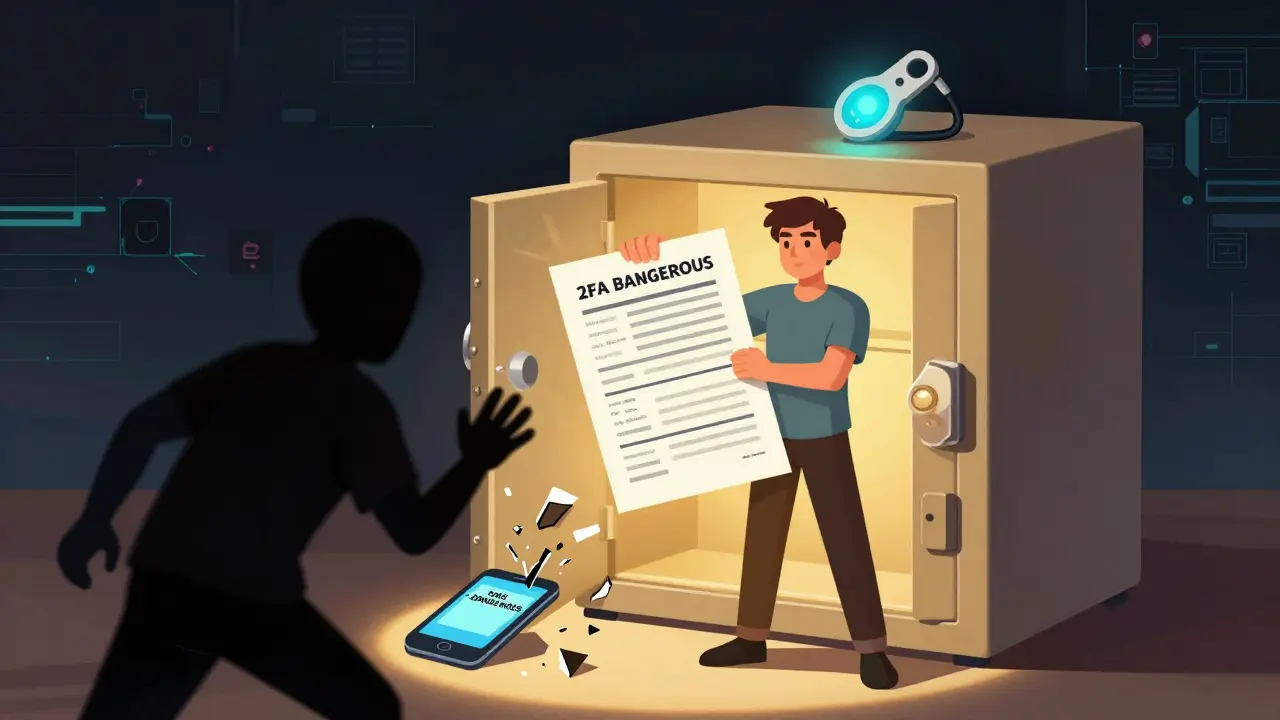
2FA Recovery Methods: Secure Ways to Regain Access to Your Blockchain Accounts
Learn the safest ways to recover access to your crypto accounts if you lose your phone or 2FA device. Avoid SMS, use backup codes and hardware keys, and protect your funds from permanent lockout.
read more